Module Enable
Table of Contents
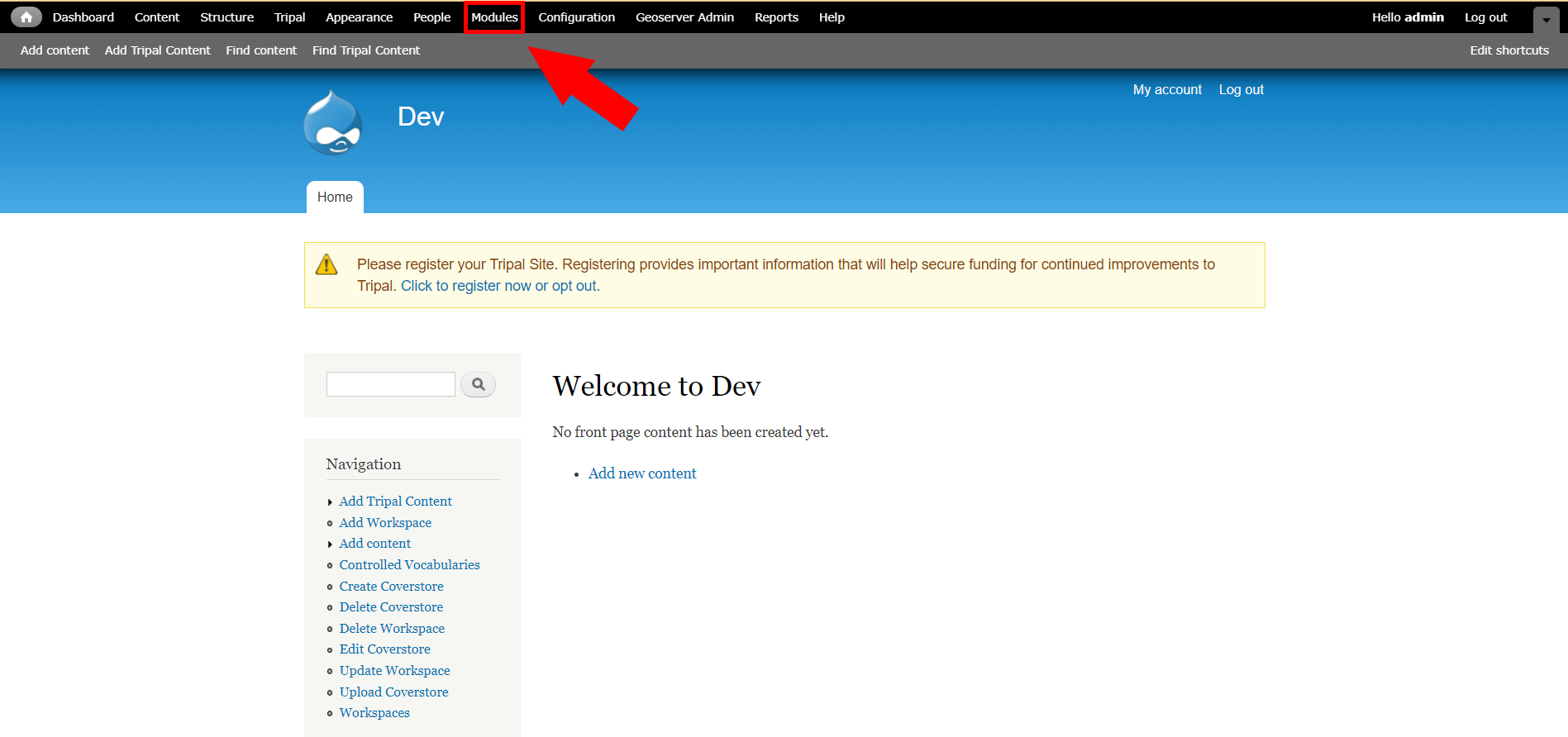
Step 2 - Find Module in List
Search for tripalgeoserverapi in the list of modules and then click the checkbox. From there scroll to the bottom of the page and click Save configuration
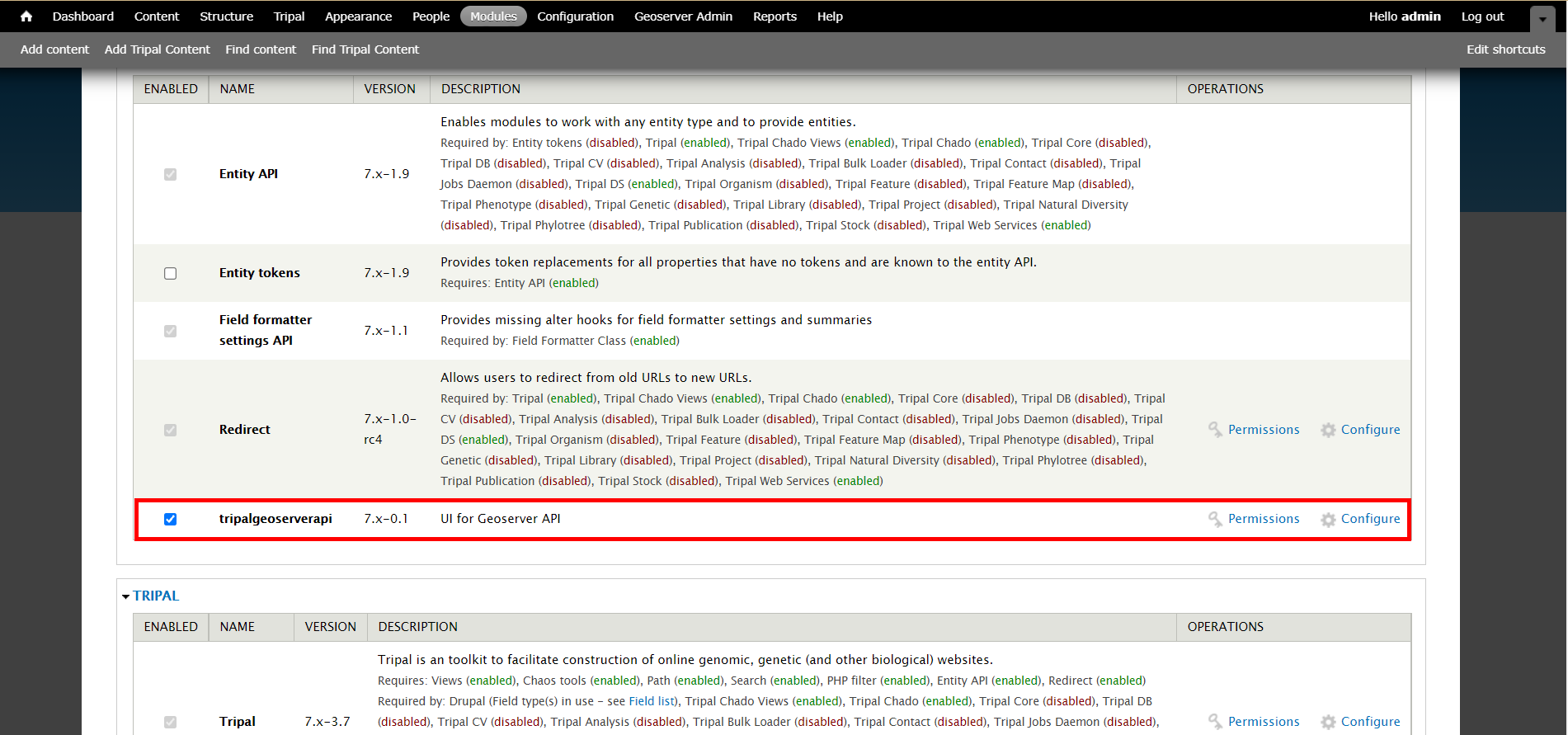
success
Yayy!!! You have successfully enabled the module.
Note
If you are trying to find permissions go find the tripalgeoserverapi module in the list and click the permissions link.