Admin Setup
Table of Contents
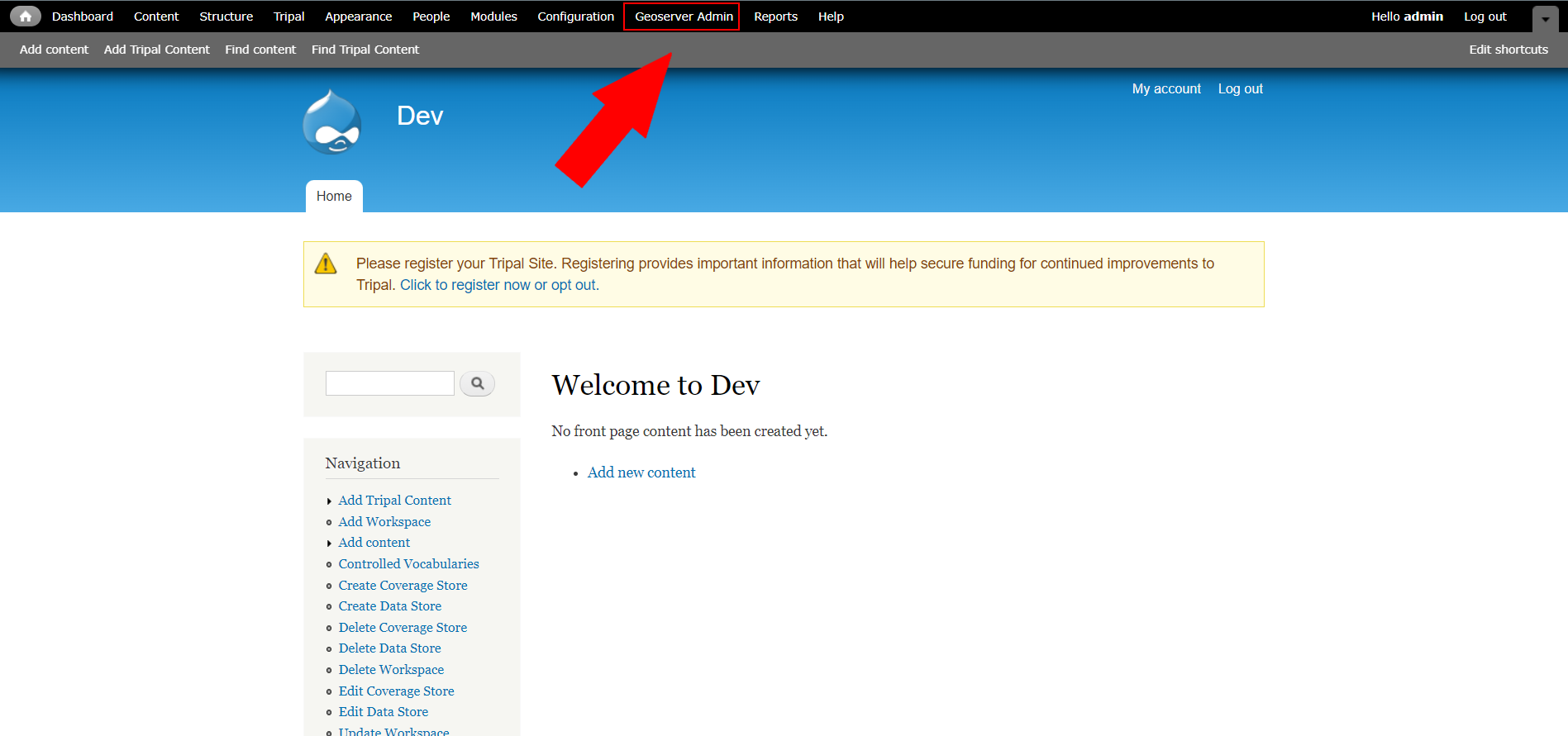
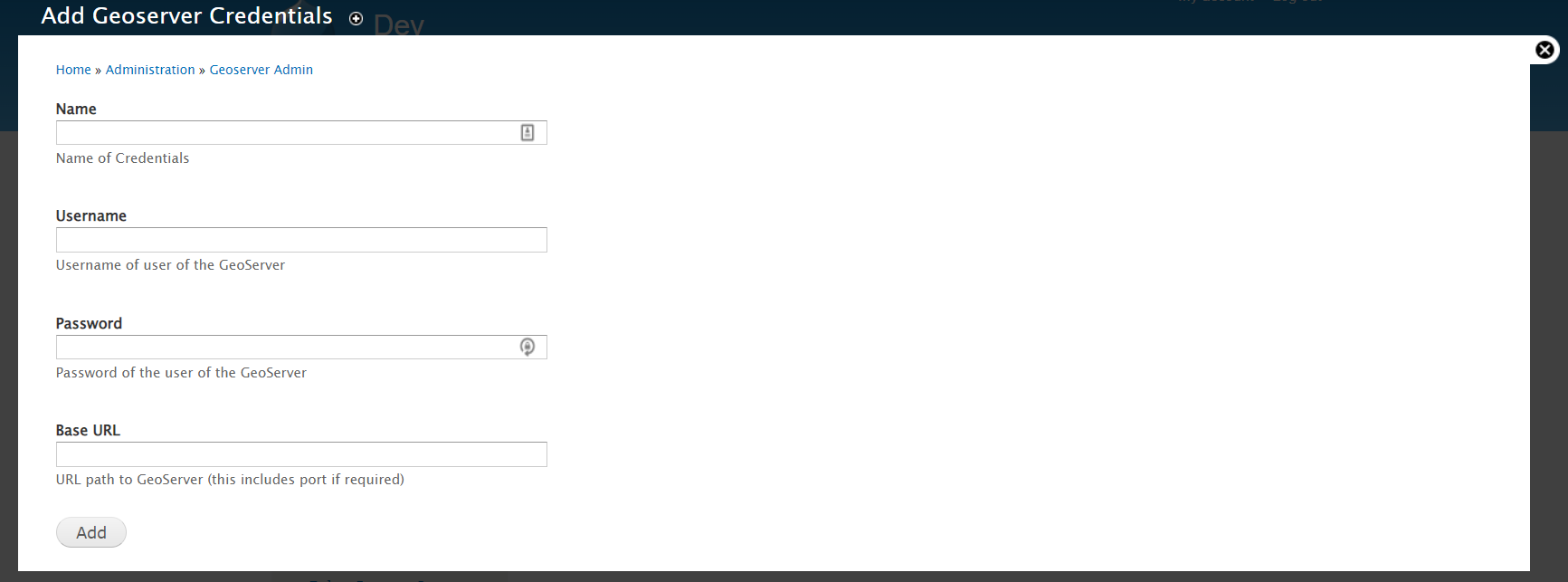
Step 2 - Add Credentials

Fill out the form with the connection details relative to your setup and server.
Note
If you want to have multiple credentials you can add as many as you want (ex development and production)
Step 3 - Set to Use

Once “use” is clicked you will come to a message that looks like the one below asking you to confirm if you want to use these credentials to connect and get data from the GeoServer.
